Explicit capture
Pocket can detect meetings, but recording starts only after you click Start Transcription.
 Pocket
Contact
Pocket
Contact
Pocket records only after you confirm, separates microphone and meeting audio, then turns the conversation into transcripts, translations, summaries, and action items.
pocket meeting.wav --target zh --summary
Coming soon to the Mac App Store.
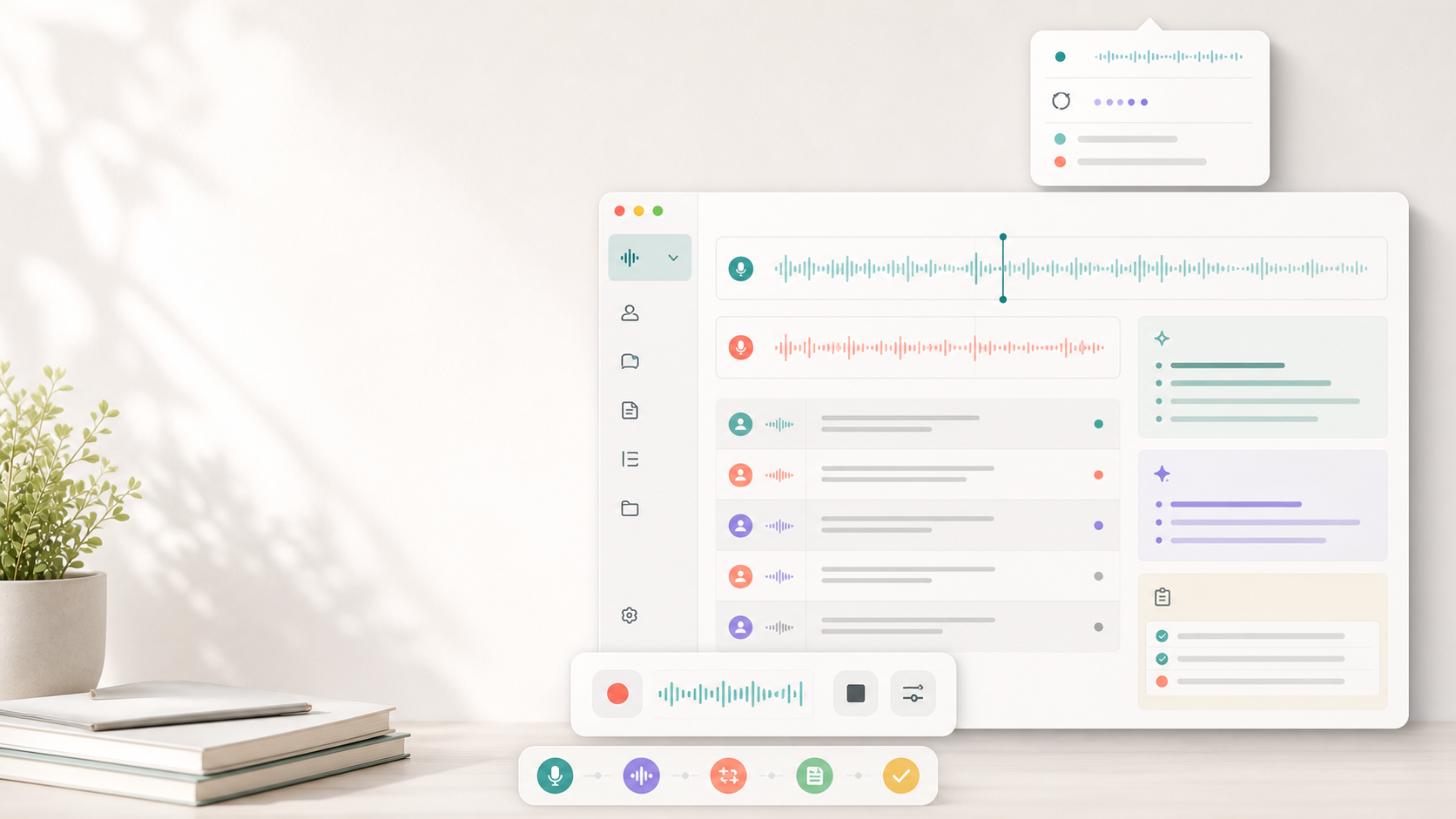
Pocket watches for a likely meeting, asks before recording, and keeps the output in local folders on your Mac. No meeting bot has to join the call.
~/Documents/Pocket/Recordings
~/Documents/Pocket/Reports
$ pocket transcribe product-review.wav
detecting tracks: system, microphone
transcribing audio...
correcting names with glossary...
writing report: Product Review_report.md
Pocket can detect meetings, but recording starts only after you click Start Transcription.
Microphone and system audio stay separate so reports can distinguish you from everyone else.
Generate corrected transcripts, translations, summaries, decisions, risks, and action items.
Confirm names and terms once. Pocket reuses them when it corrects future meetings.
Hold a hotkey to dictate outside meetings, then copy or paste the cleaned-up text.
Recordings, reports, glossary entries, prompts, and logs are stored on your Mac.
Start from the meeting popup or the menu bar.
Capture the other side and your microphone on separate tracks.
Transcribe, correct, translate, summarize, and title the meeting.
Open the Library to revisit reports, dictations, terms, and prompts.
Pocket stores local recordings and reports on your Mac. Cloud processing sends only the audio or text needed for the feature you start. Local-mode components are available for sensitive work.
No. Detection shows a prompt; recording starts only after you explicitly confirm.
macOS requires Screen Recording permission for ScreenCaptureKit to capture the other side of a meeting.
By default, recordings and reports are stored under ~/Documents/Pocket.
Email support@pocketai.so or open the support page.
Built for macOS. A download link will appear here when Pocket is available on the App Store.
Get support